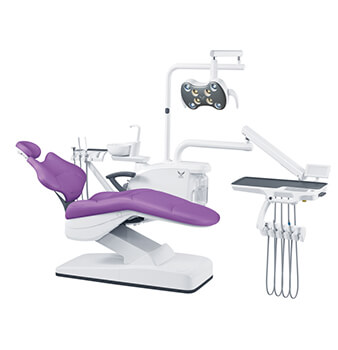
A dental chair unit should be shortlisted by the work the room must support, the installation format the site can accept, the hygiene and service boundaries the buyer will manage, and the chairside functions included in the quotation.
Start with clinical application, then narrow the category, and only then compare models. This order matters because two units with similar photographs may represent different scopes, utility demands, and service access.
For importers, distributors, and clinic project teams, a useful shortlist records the intended procedures, operator and assistant workflow, room drawing, available utilities, required modules, and local compliance needs. It produces a model-level inquiry instead of a request for the cheapest complete dental chair unit.
First separate a patient chair from a complete dental treatment unit. A chair-only request centers on patient positioning and its immediate controls. A complete-unit request may also involve a delivery system, assistant-side elements, cuspidor, operating light, foot control, water and air interfaces, suction interfaces, and other selected modules. The exact package varies by model and order, so the category name cannot replace an included-scope list.
Write the required system boundary before opening a catalog. Mark every module as required, optional, excluded, or supplied by the clinic. If an existing room already has compatible infrastructure, identify what will remain. If the project is a new operatory, ask the local installer to review the proposed connections and clearances.
This prevents a chair-only price from being compared with an integrated-unit price and keeps accessories from becoming late additions.
Use the Gladent dental unit range as a category map rather than proof that every model fits every procedure. The range is organized into integral, hydraulic, floor-fixed, implant-type, disinfection, kids-type, and mobile-trailer dental units. Each label creates a shortlist question; final suitability still depends on the ordered configuration, destination-market requirements, room conditions, and professional review.
| Primary use condition | Category to investigate | Question that controls the shortlist |
| General operatory seeking an integrated arrangement | Integral dental unit | Which modules and interfaces are included in the exact model quote? |
| Project where chair actuation format is a defined requirement | Hydraulic dental unit | Does the proposed format match the clinic’s service and maintenance plan? |
| Room planned around a fixed installation | Floor-fixed dental unit | Do the drawing, utility points, movement envelope, and access clearances align? |
| Room dedicated to implant procedures | Implant-type dental unit | Which procedure-specific functions are required, and which belong to separate equipment? |
| Buyer with a defined hygiene workflow | Disinfection dental unit | What is the exact cleaning or disinfection scope, and how will staff validate the workflow? |
| Pediatric environment | Kids-type dental unit | Does the complete room plan fit the intended patient group and clinical workflow? |
| Treatment delivered in a mobile trailer | Mobile-trailer type dental unit | Can the vehicle layout, utilities, securing method, and service access support the selected unit? |
Do not choose from the category label alone. A specialized room may still require several systems outside the chair package, while a general operatory may have a deliberately narrow scope.
Record the actual task, user, frequency, and interface for every requested function. That record becomes the filter for model comparison and protects the project from feature accumulation that does not improve the intended workflow.
A technically attractive unit can be the wrong choice if it conflicts with the room. Confirm the chair centerline, entry route, cabinet positions, operator and assistant zones, patient transfer path, and the full movement envelope.
Identify where air, water, drainage, power, and suction connections terminate, but do not assume the unit supplier is responsible for the building services. The quotation and installation drawing must state the boundary.
A floor-fixed option such as the GD-S450 floor-fixed dental unit is a prompt to verify the installation plan, not a universal recommendation for a compact or replacement room.
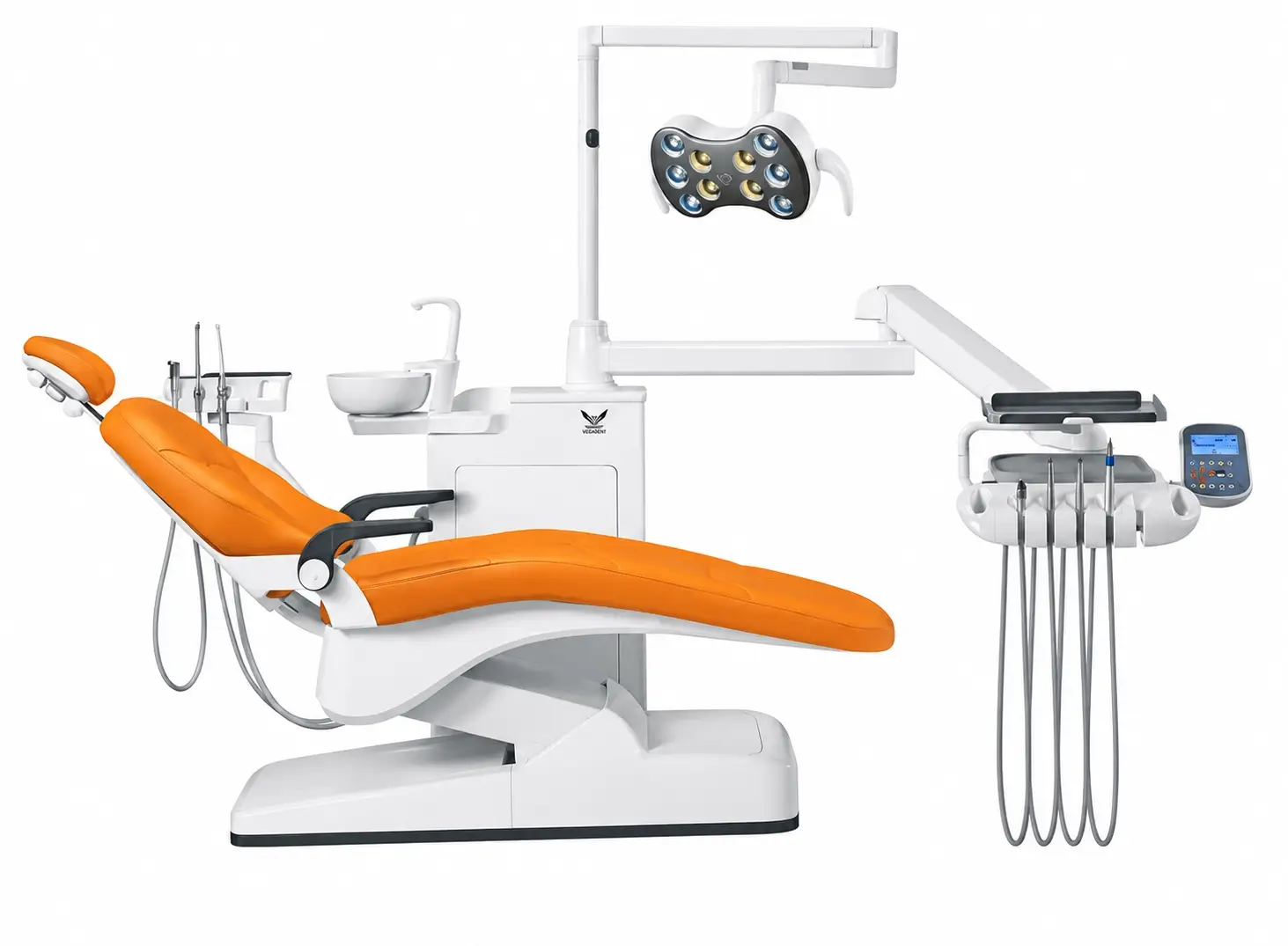
Compare the proposed fixing points and service routes with the actual site drawing. For multi-location projects, preserve one approved drawing revision so every room is checked against the same reference.
Service access deserves equal weight. Ask how routine access is obtained, what can be inspected without moving adjacent cabinetry, and which local technician will commission the installation.
A layout that fits on paper but blocks maintenance access can increase disruption later. When handedness or delivery position affects workflow, put that choice on both the drawing and the quotation rather than leaving it in email.
Once the category is credible, normalize the comparison. Give every supplier the same requirement sheet and ask them to respond line by line. The sheet should identify the base model, included modules, selectable options, excluded equipment, connection points, installation deliverables, manuals, packing scope, and replaceable-item references. A blank or qualified response is more informative than a broad statement that a feature is standard.
Review the GD-S300 integral dental unit and the GD-S800 disinfection dental unit as different model-level conversations. Do not infer that one model includes another category’s scope or that a listed feature applies to an unlisted configuration. Ask for the current quotation and approved configuration record.
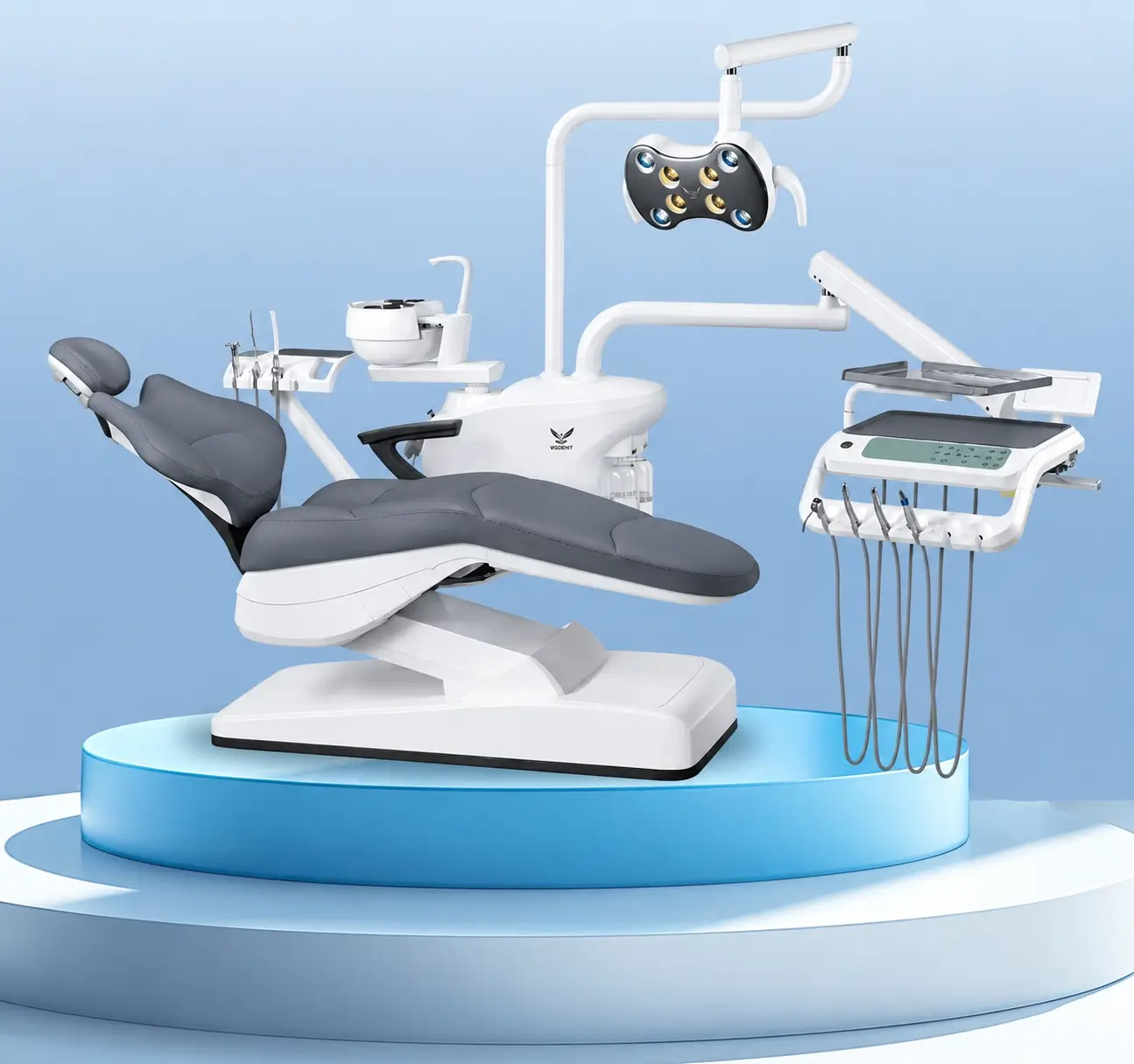
For repeat orders, assign a buyer configuration code and revision. Attach the approved drawing, option list, color or upholstery selection where relevant, packing identification, and required documentation.
Any later substitution or option change should be returned for written approval. This creates a stable purchase reference without turning marketing names into technical specifications.
Gladent presents seven dental-unit categories and separate model pages, allowing a buyer to move from a clinical use condition to a narrower model discussion. Integral, hydraulic, floor-fixed, implant-type, disinfection, kids-type, and mobile-trailer groups are useful routing points. They are not interchangeable specifications.
A distributor can use the categories to separate standard operatory projects from fixed-layout, specialized, pediatric, or mobile applications, then ask Gladent to confirm which current model and ordered configuration address the stated use.
For a defensible shortlist, send Gladent the primary procedures, room drawing, utility information, operator and assistant arrangement, required chairside modules, installation destination, quantity, and documentation needs.
Ask the response to identify the base model, included scope, options, exclusions, connection boundary, and drawing revision. This is especially important when comparing representative pages such as GD-S300, GD-S450, and GD-S800: the category and model name begin the discussion, while the approved quotation and configuration record define what will actually be ordered.
A response-ready inquiry is short enough to use but specific enough to expose missing information. Include these fields:
Do not begin with a copied competitor model or a list of every available feature. Begin with the room and task. A supplier can then propose a category and disclose any assumptions.
The buyer can accept, reject, or revise those assumptions before comparing price. This keeps the purchasing decision centered on the product configuration rather than unrelated supplier claims.
The right dental chair unit is the one whose category, installation format, included modules, and service boundary match the clinical room. Define chair-only versus complete-unit scope, use application categories to narrow the field, confirm the site constraints, and compare model quotations against one configuration sheet.
Product photographs and category names can support discovery, but the approved model, options, exclusions, drawing, and interfaces control the purchase.
To move from a shortlist to a comparable offer, request a model-level quotation with the clinical application, room and utility conditions, required configuration, quantity, destination market, and documentation needs.
There is no safe universal package. A complete unit may combine the patient chair with selected delivery, assistant-side, lighting, cuspidor, foot-control, water, air, or suction elements. Ask for an included-scope list, option list, exclusions, and interface drawing for the exact model and order.
A dental chair primarily positions the patient. A dental unit usually describes a broader treatment system organized around the chair, but suppliers may use the terms differently. Compare the actual modules and responsibilities instead of relying on the label.
Room size alone does not decide suitability. Confirm the procedures, staffing pattern, movement envelope, utility points, cabinetry, patient access, and service clearance. A compact footprint is useful only when the complete installed workflow remains safe and maintainable.
Provide the application, room drawing, utilities, installation format, required modules and interfaces, quantity, destination, documentation needs, and local compliance constraints. Ask the supplier to state assumptions, included scope, options, exclusions, and the drawing revision in the response.
 No. 1, No. 2, Fenggang Industrial Zone, Lianhe, Luocun, Shishan Town, Nanhai District, Foshan City, China
 Call us now:+86-757-81267151